Motion path PenBend a motion path on the canvas with handles at each key. Curved paths reach After Effects and Resolve as the same keys.
Crash safetyAutosave every minute, recovery after a crash and safer saving.
Library rebuiltPresets, templates and transitions now use far fewer keys, with proper curve handles.
Anchor point anywhereImages, videos and comps pivot about it. Text boxes resize.
Dockable windowsMoveable windows, a tidier Deliver panel and a new Fill and Stroke panel.
Free · Mac and Windows · Alpha 0.2.1
Motion design for you and your AI agent.
Design it. Animate it. Carve it into an editable Resolve or After Effects comp.






CarvercatMac · Windows · Offline



Three steps
 DesignText, shapes, images, masks
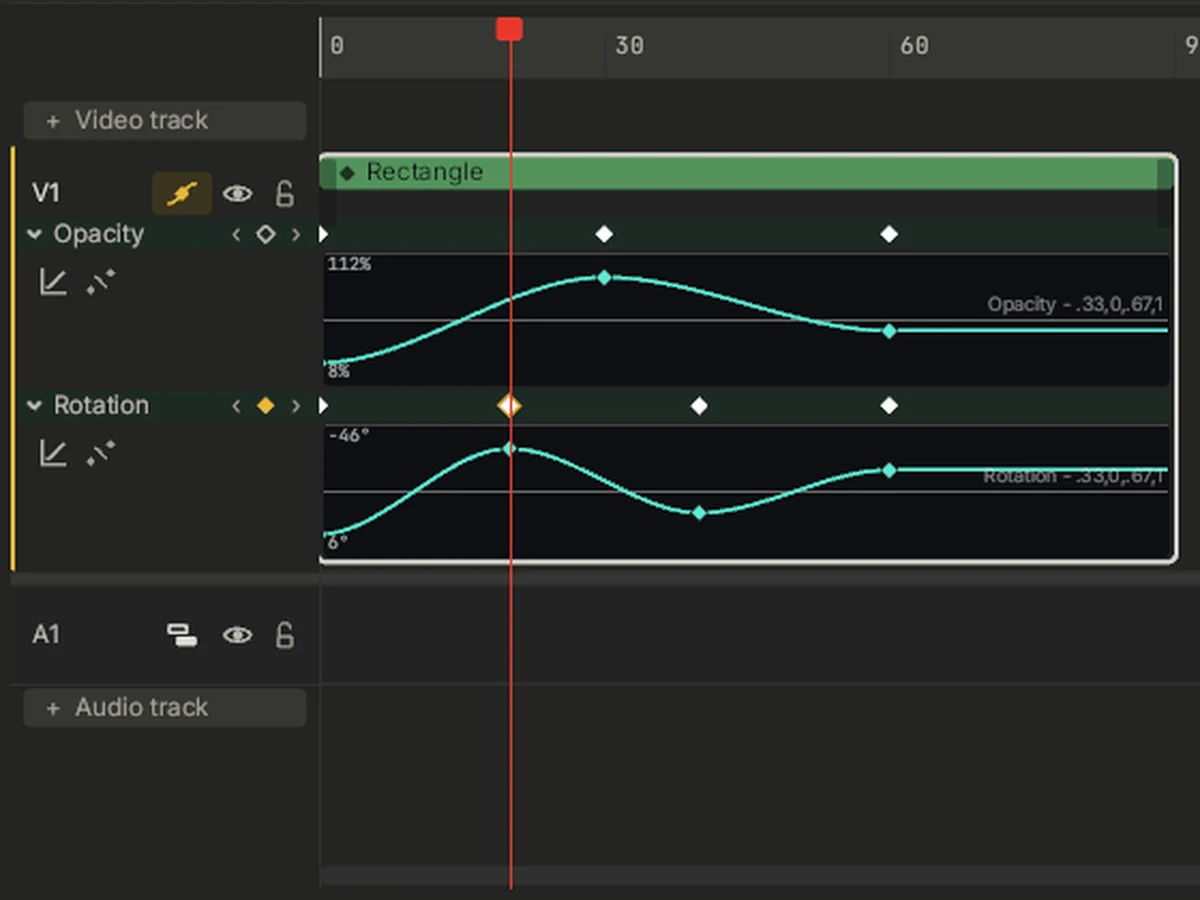 AnimateKeyframes and easing
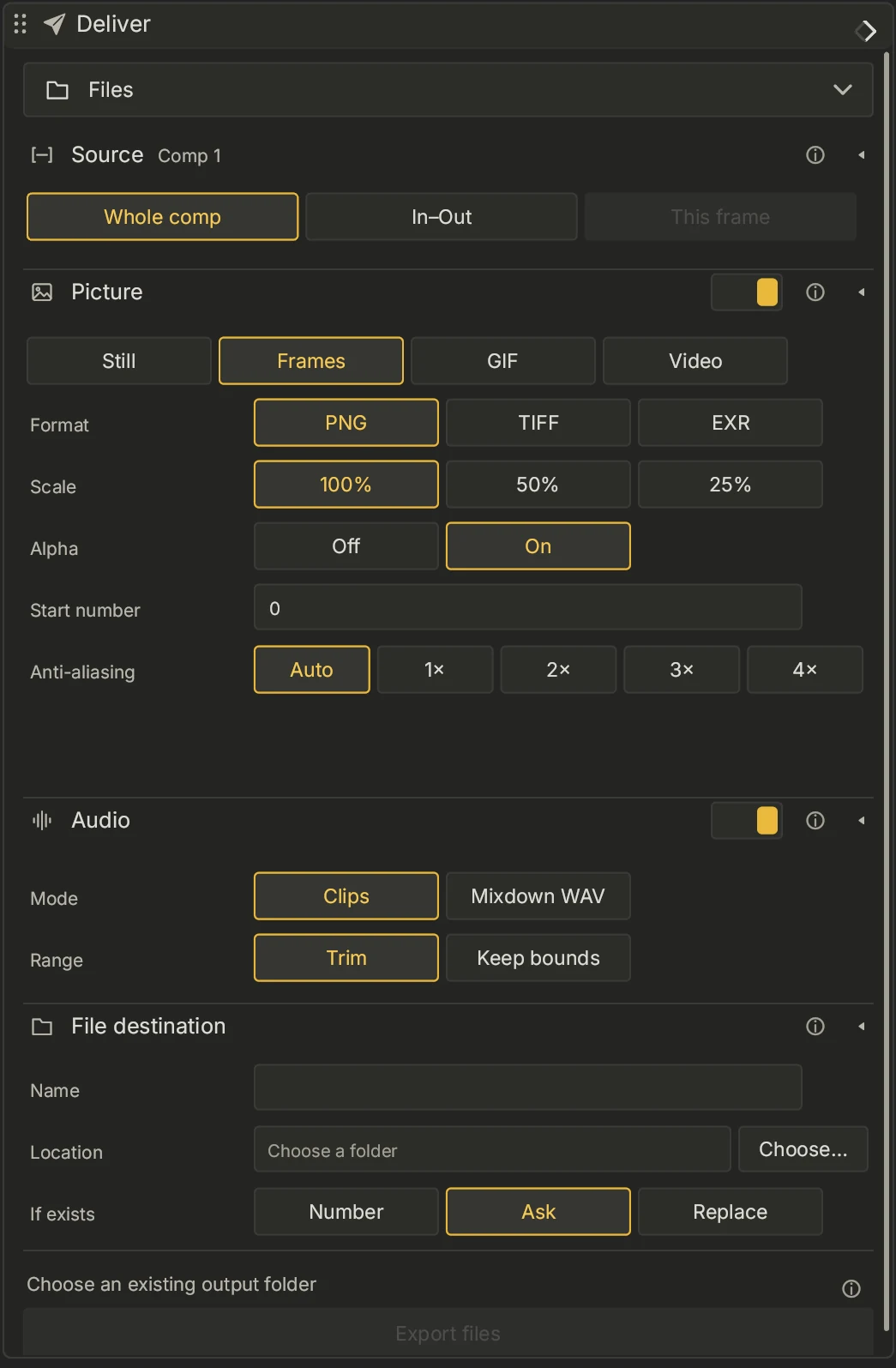 CarveOne click to your editor
Carve
Editable, not flattened.
CarvercatTry it.
Free for Mac and Windows. Questions?